March 18th, 2025
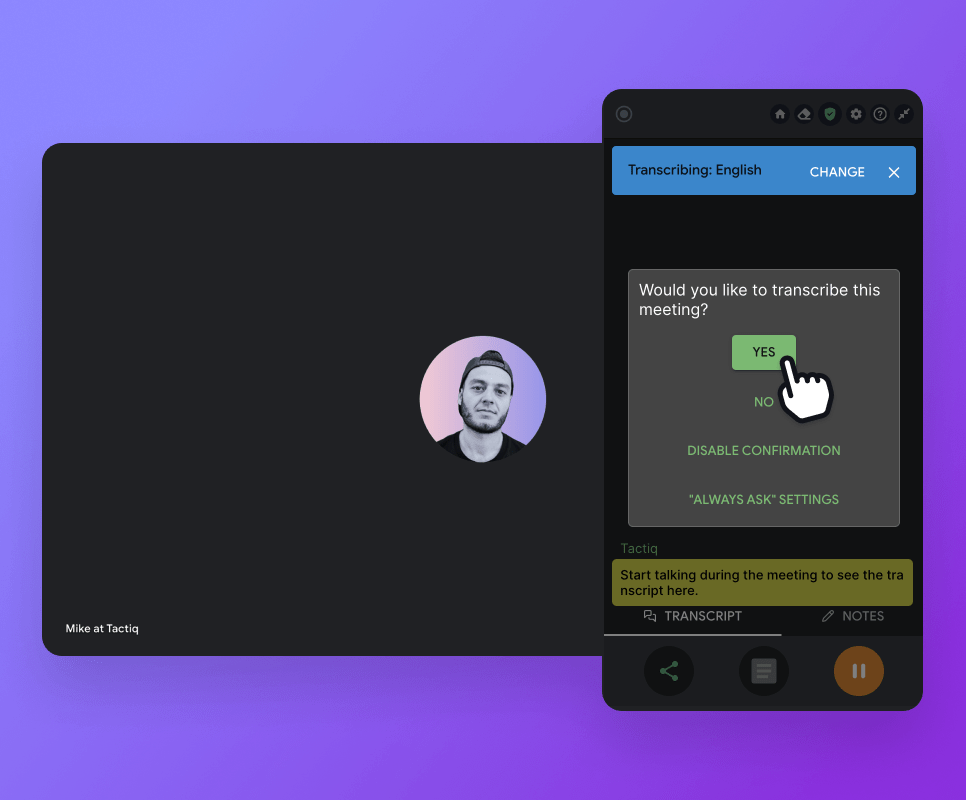
Always ask to transcribe
Meet the new, smarter way to manage meeting transcriptions.
This update for users on a paid plan replaces the Auto Pause feature, giving you more control over transcription and reducing the risk of forgetting to enable transcriptions for important meetings.
Here’s how it works:
When enabled, you’ll be asked at the start of each meeting: “Would you like to transcribe this call?”
Options include: Yes, No, or Disable confirmation (which sets transcriptions to always on).
Current Auto Pause users will keep their settings without disruption.
You can access this setting under Settings > General or by clicking here.
Never forget to transcribe key calls again.