July 24th, 2024
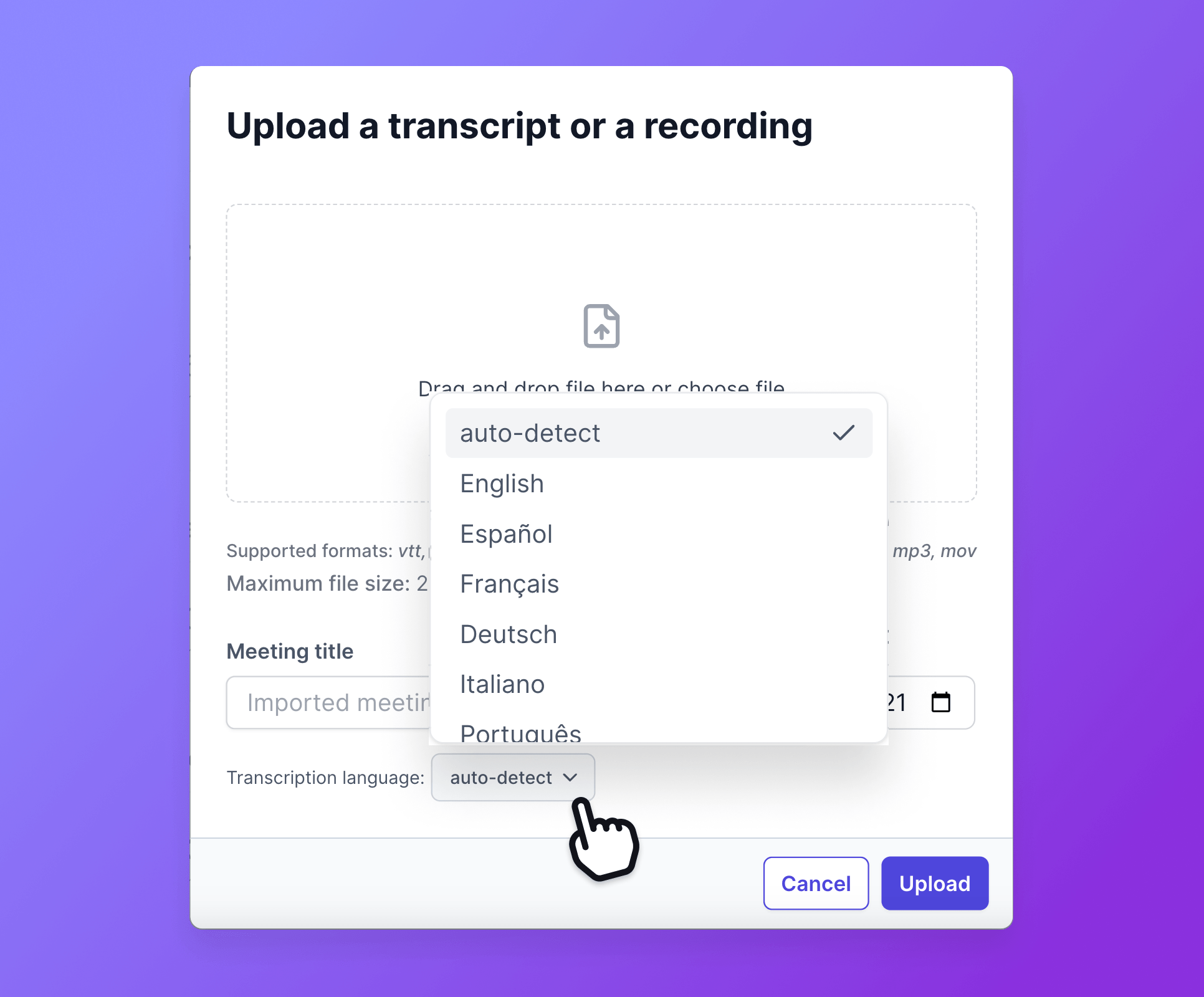
Select file upload language
This is a new feature that significantly improves transcription accuracy for your file uploads. 📤
What is the file transcription language?
This feature allows you to select the original language of your uploaded files. By specifying the language, our transcription tool can more accurately capture every detail of your audio or video files, ensuring your meeting notes are precise and actionable.
How to use?
Upload a File: Start by uploading your audio or video file to Tactiq.
Select Language: Before beginning the transcription, choose the original language of the file from the provided list of supported languages or let Tactiq auto-detect the language.
Start Transcription: Initiate the transcription process. Tactiq will use the specified language to accurately transcribe the content.
Review and Edit: Once the transcription is complete, review the notes. With the improved accuracy, you’ll find fewer errors and less need for manual corrections.
Utilize Transcript: Use the precise and actionable meeting notes for follow-ups, project updates, and sharing with team members.
Get precise & reliable upload transcriptions
Enhanced Accuracy: By selecting the original language, you ensure that our transcription tool can accurately interpret and transcribe the content, capturing every detail.
Time-Saving: With improved transcription accuracy, you spend less time reviewing and correcting errors, allowing you to focus on more important tasks.
Actionable Insights: More precise transcriptions lead to more actionable meeting notes, helping you and your team take the right actions post-meeting.
Ease of Use: The simple process of selecting a language before transcription makes it easy to get the most accurate results without any extra effort.
Experience the benefits of more accurate and efficient transcriptions with Tactiq’s new file upload language selection.