July 24th, 2024
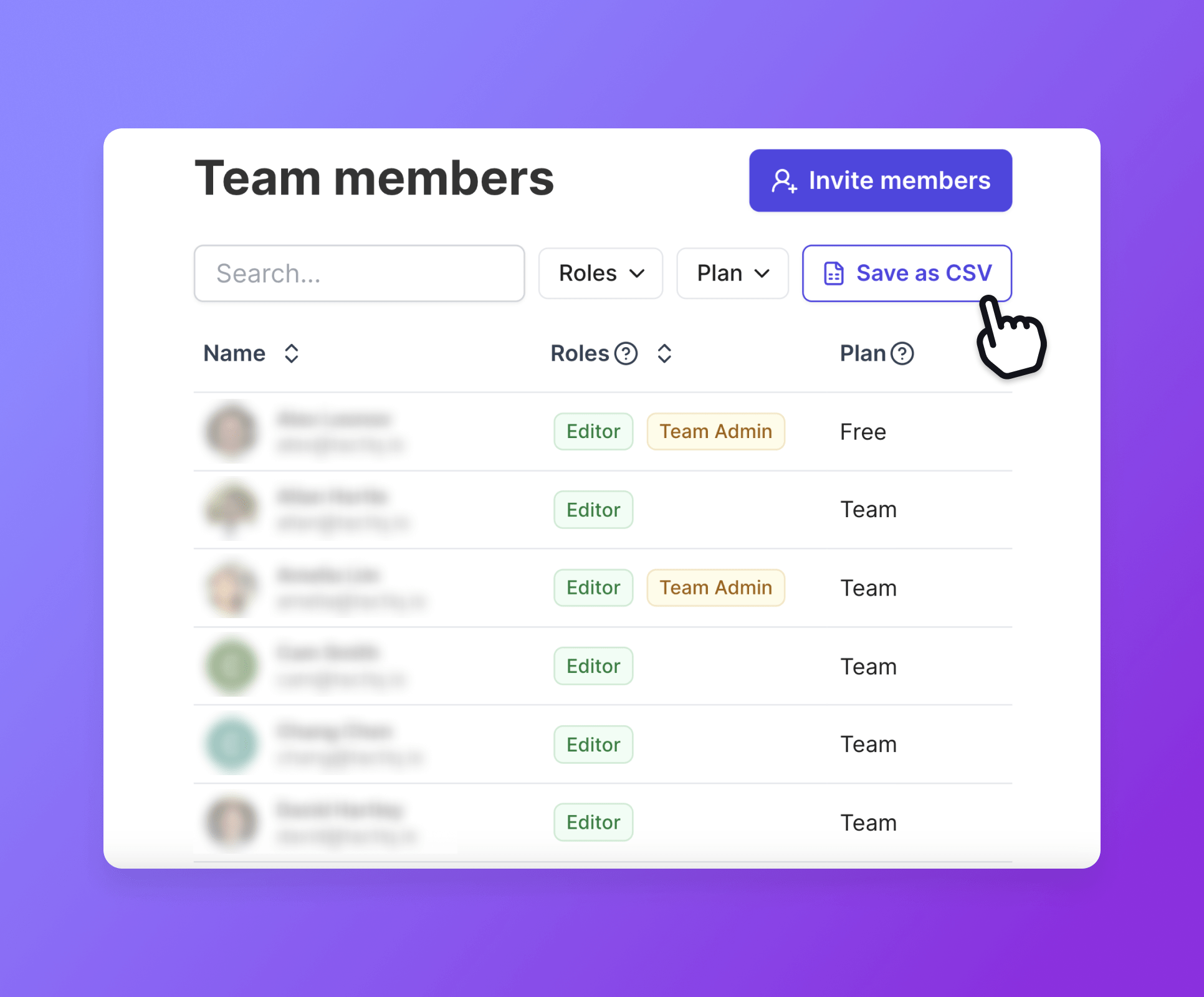
Export team members in CSV
We’re excited to introduce a feature designed to make team management easier for admins: Export team members in CSV.
What is the team CSV export?
This feature allows team admins to export their team member list into a CSV file. With this capability, managing large teams becomes more efficient, as admins can easily search, sort, and update team information in a structured format.
How to use
Navigate to Team Page: Go to the team management section within your Tactiq dashboard.
Apply Filters: Search through your team members based on filters such as name, role, or plan.
Export CSV: The CSV file will include all relevant details about your team members.
Manage Team Members: Use the CSV to quickly identify and update roles, manage permissions, or remove users who are no longer part of the team.
Save time from team management
Efficient Management: The CSV export feature streamlines the process of managing large teams, making it easier to handle administrative tasks without manual effort.
Quick Search and Sort: Easily search through team members and sort them based on permissions, roles, or other criteria, ensuring you find the right person quickly.
Up-to-Date Team Lists: Identify and remove users who have left the team, keeping your team list accurate and up-to-date.
Enhanced Organization: Especially useful for larger teams (100+ members), the CSV export helps maintain an organized and well-managed team structure.
Enjoy a faster way to manage your team so you can save time & costs from maintaining large member lists and inactive users.