November 5th, 2024
New
Improved
New Workflow features and improvements
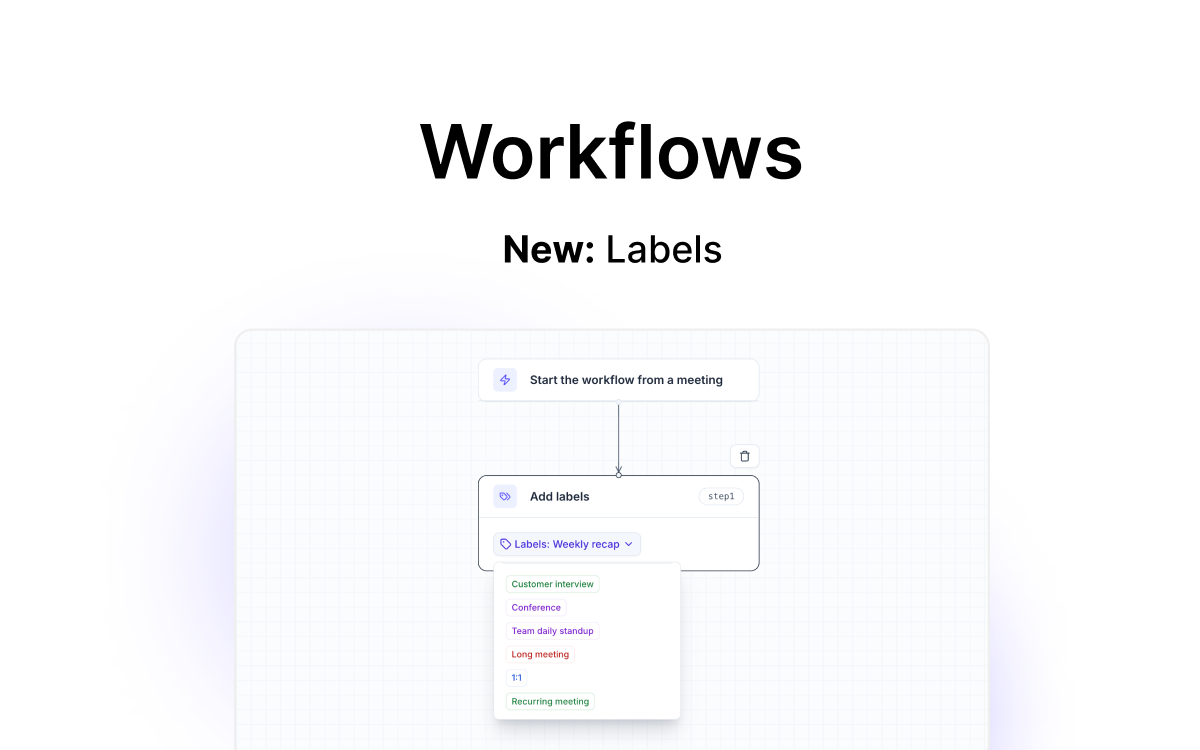
Organize Insights with Labels 🏷️
Labels can now be used in workflows to automatically distribute meeting insights to exact folders, files, and categories across your tech stack.
How to Use:
Create labels: Set up custom labels in your Tactiq account, such as “Client Onboarding”, “Weekly Standup” or “Quarterly Review”.
Assign labels to Workflows: Link these labels to the appropriate Workflow in Tactiq.
Automated organization: When a workflow is run on a meeting transcripts, the transcript will automatically and accurately be tagged with the specific labels.
Slack Integration Update
The updated Slack integration now enables you to share meeting updates to Slack channels without having to worry about getting cut off by Slack’s character limit. 📲
With this update Tactiq:
Automatically splits lengthy meeting updates into multiple messages on Slack.
Ensures your team receives all the critical details with no manual adjustments required.
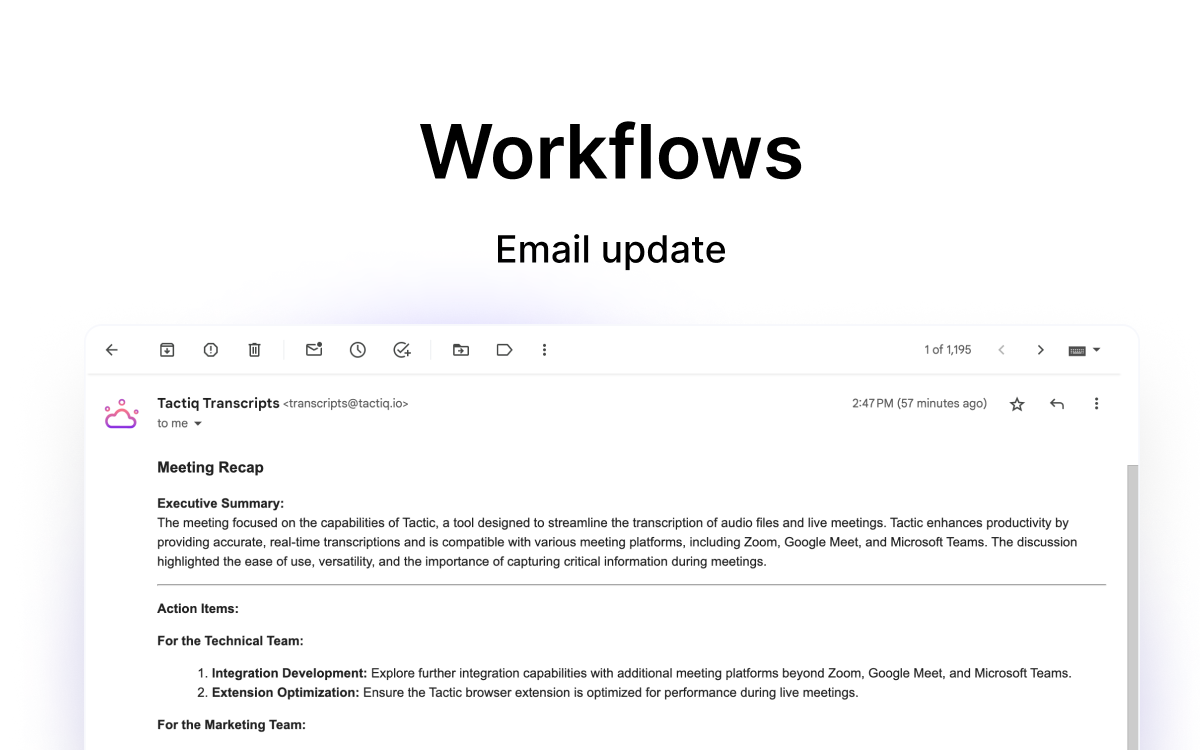
Updated Email Styling for Workflows
We’ve upgraded the look of emails generated by Tactiq’s Workflows to match the clean, organized styling of your meeting insights. 💌
Now, every email sent through a workflow:
Mirrors the same layout as your Tactiq insights.
Has scannable sections and easy-to-read formatting.
Retains consistent styling throughout your email.
This makes your emails clearer and more actionable.